
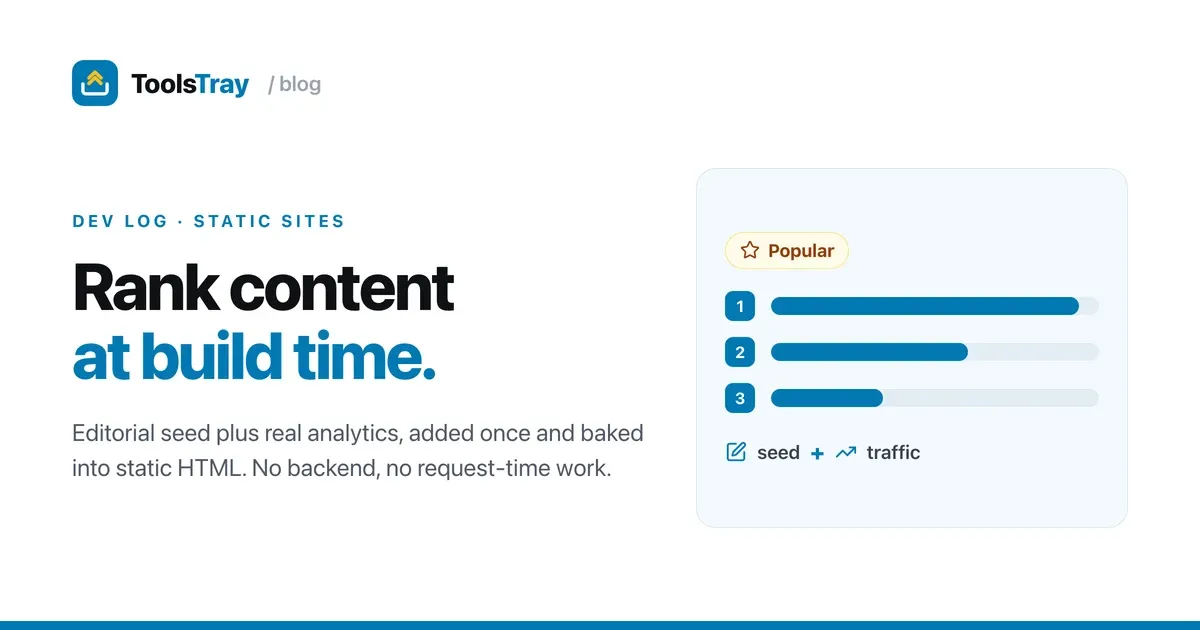
I run a static site with a growing pile of small tools on it, all running right in the browser with no backend. The homepage shows a “Popular” row near the top, and for a while I just hand-picked what went in it. That worked until it didn’t. The picks went stale, my guesses about what people actually used were usually wrong, and every new tool meant re-ranking a list by hand.
The catch is that a static site has no server at request time to do the deciding. So people reach for one of two bad options: hardcode the order and let it rot, or bolt on a backend and stop being static.
There’s a third option that’s simpler than both: decide the order at build time, from real data, and bake it into the HTML.
One ranking, computed once
You don’t need per-visitor personalization to do a good job here. A single global ranking (what’s popular across everyone) gets you most of the value at zero runtime cost. Compute it during the build and let the CDN serve plain HTML after.
The ranking is two signals added together: an editorial seed I set by hand, plus a traffic score from analytics.
export function rankByPopularity(
  tools: readonly ToolMeta[],
  gaScores: PopularityScores,
  limit: number,
): readonly ToolMeta[] {
  return [...tools]
    .map((tool) => ({ tool, score: tool.popularity + (gaScores[tool.slug] ?? 0) }))
    .sort((a, b) => b.score - a.score || a.tool.title.localeCompare(b.tool.title))
    .slice(0, limit)
    .map((scored) => scored.tool);
}
tool.popularity is the seed baked into each tool’s metadata. gaScores[slug] is the real traffic number. New tools have no traffic yet, so ?? 0 lets the seed carry them until the data shows up, which solves cold start in one operator. The alphabetical tiebreak keeps the order stable so it never flickers between builds.
It’s a pure function: no DOM, no fetch, no clock. That means I can unit-test the ranking with a fake gaScores object instead of rendering a browser to find out what came out.
Where the traffic number comes from
Once a week a small script hits the Google Analytics API, pulls 28 days of pageviews per tool page, normalizes the busiest to 1000, and writes a flat JSON file:
{ "age-calculator": 1000, "apr-calculator": 182, "base64": 91 }Then I commit it. The build imports it like any other module, with no network call in CI and no API key in the critical path. If GA is down, the build doesn’t care; it uses the last committed numbers.
This is the part I’d argue about. Commit the JSON instead of calling the API at build time. You get reproducible builds, traffic shifts you can read in a git diff, and rollback like any other file. The freshness you give up is a week, which does not matter for a popularity list.
The “Popular” row you see right here on ToolsTray is exactly this pipeline running. The order is decided at build time from real traffic, then baked into static HTML.
Read next
 Developers
How I made a static site installable and offline
A static tool site with no backend, turned into an installable app that works offline without breaking ads, analytics, or consent. The service worker, and the scars.
 Developers
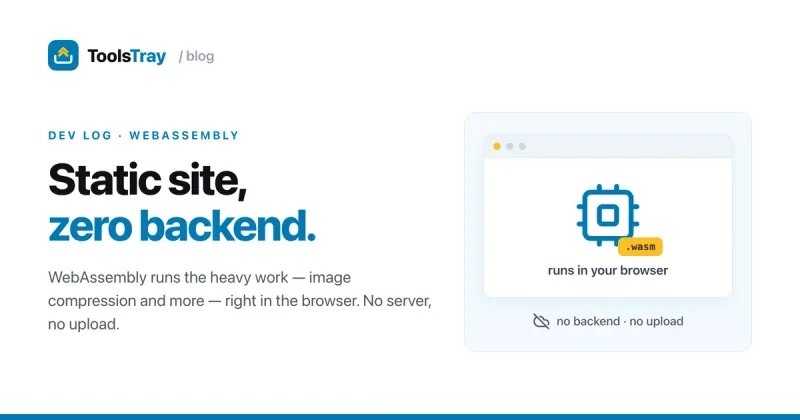
WebAssembly turned my static site into a zero-backend app platform
I shipped a site full of real tools, image compression among them, as static files with no backend. WebAssembly does the work in the browser. Here's how.
 Developers
Spotlight and tilt card hover effects (with the code)
How ToolsTray's tool cards get a spotlight glow and a subtle 3D tilt that follow your cursor, built with pointer events, CSS variables, and requestAnimationFrame.