
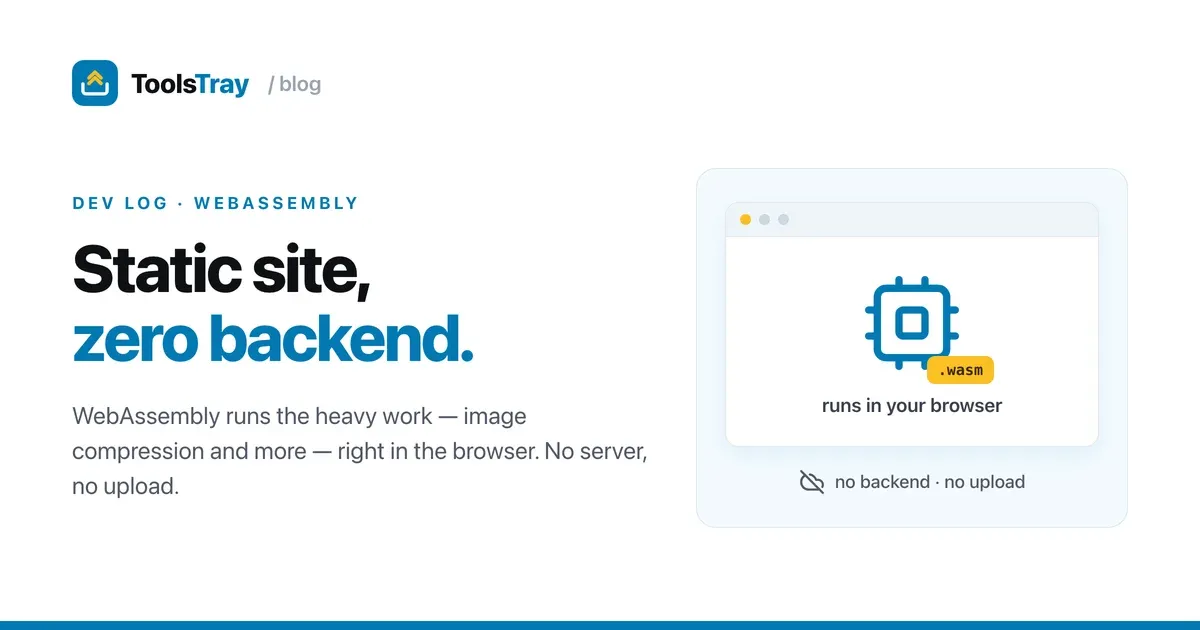
For the longest time I treated “static site” and “does real work” as mutually exclusive. Static meant brochureware. Anything heavier like resizing an image obviously needed a server.
Then I built a site full of tools that do that heavy work and shipped the whole thing as static files on a CDN with no backend at all. WebAssembly is what made it possible. It also changed how I think about web architecture.
I’ll use one tool as the running example: an image compressor. Same lessons apply to everything else I’ve built, but one concrete case is clearer than a feature list.
The mental shift: the browser is the server
The old model: user uploads a file → your server does the work → sends the result back. You pay for that server, secure it, scale it, and the user’s data takes a round trip through your infra.
WASM flips it. Ship the computation to the browser as a .wasm module and the user’s device does the work. For the compressor, I use a WASM build of the same codecs you’d find in native tools (MozJPEG/WebP/AVIF). The “server” becomes a dumb file host. The upload disappears, and so does the round trip.
A privacy claim you can check in the network tab
When you compress a photo and the file never leaves your device, “we don’t see your data” is an architectural fact rather than a privacy-policy line. There’s no upload. You can watch the network tab and confirm it. I don’t have a server that could see your photo, and that costs me nothing to provide.
Load speed: the codec waits for the click
People assume WASM = bloat = slow. The reality is more interesting.
The trick is that the page loads instantly and the WASM loads lazily. My pages are pre-rendered HTML, so they paint immediately, stay fully indexable, and keep Core Web Vitals green. The codec only gets fetched when you actually click “Compress.”
// Nothing heavy ships in the initial bundle.
// The codec is dynamic-imported on first real use, then cached.
async function compress(file) {
  const { encode } = await import("@jsquash/webp"); // wasm loads here
  return encode(await fileToImageData(file));
}
After that first load it’s instant. There’s no upload/download round trip either. A 15 MB photo never travels anywhere; it’s processed in place at near-native speed. A server tool would have you upload 15 MB, wait, and download the result. Locally it’s often faster and the bytes never leave.
100,000 users, the same bill
This still feels slightly illegal. Hosting is a CDN serving static files. No compute to autoscale, no per-request cost. Whether 10 people or 100,000 people compress an image today, my bill is basically flat, because their CPUs did the work.
Now the parts that hurt (the honest section)
The wins above are real. So are the scars I picked up. Budget for these:
First-run latency is real. The codec is a few hundred KB; heavier engines (ML models, etc.) are several MB. Lazy-loading hides it from everyone who never uses that tool, but the first hit waits while the module downloads and instantiates. I show an explicit “loading…” state so it doesn’t feel broken.
Threads want SharedArrayBuffer, which wants cross-origin isolation. The fast multithreaded paths need COOP/COEP headers, and turning those on globally can break third-party embeds, ads, and analytics. I had to be deliberate about where I require isolation versus falling back to a single-threaded path.
Bundler/serving friction is constant. You’ll fight your build tool over .wasm MIME types, worker output format, and keeping new URL('x.wasm', import.meta.url) resolution intact. It works, but it wasn’t “npm install and go.”
Memory and debugging are worse. A huge input can OOM the tab. A WASM OOM isn’t a graceful 500, the tab can just die, so you need size guardrails. And when something breaks inside the module, you don’t get the comfortable JS stack trace; source-map support is still patchy.
I’d do it again
Without hesitation. The cons are mostly one-time setup pain and first-load UX work. The benefits are permanent and compound: privacy by architecture, no backend to run or secure, flat costs at any scale, near-native speed with no round trips.
The real unlock had little to do with the compressor. “Static” turned out to cap only where the code runs, and the browser is a perfectly good place to run it. What the product can do stayed wide open. The same static-first thinking shows up elsewhere in the build. Here’s how I rank these tools at build time from real traffic, no server required.
See it in action
You can poke at this for real right here. Try the image compressor with your network tab open and watch what happens. The codec comes down once, on the first compress, and your image never goes anywhere.
Image Compressor
Compress a JPEG, PNG or WebP and compare it side by side. Smart picks the quality, Quality takes a slider, Target searches for a size in KB. One file or a folder.
Read next
 Developers
How I made a static site installable and offline
A static tool site with no backend, turned into an installable app that works offline without breaking ads, analytics, or consent. The service worker, and the scars.
 Developers
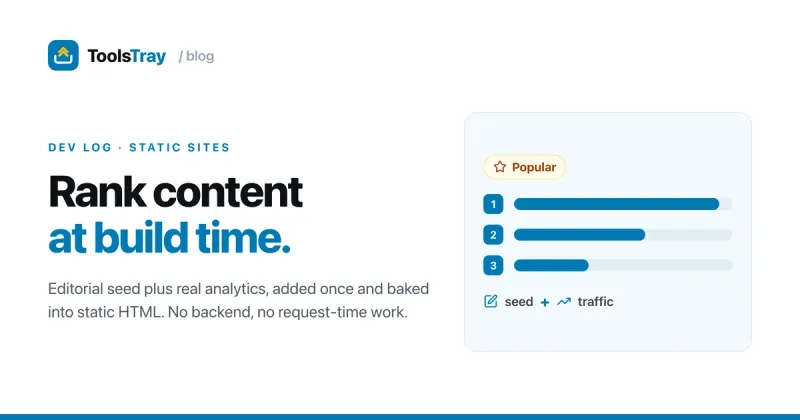
How I auto-prioritize page content on a static site (no backend)
A static site has no server at request time. Here's how I rank my homepage's tools at build time from real analytics data and bake the order into the HTML.
 Developers
Spotlight and tilt card hover effects (with the code)
How ToolsTray's tool cards get a spotlight glow and a subtle 3D tilt that follow your cursor, built with pointer events, CSS variables, and requestAnimationFrame.