
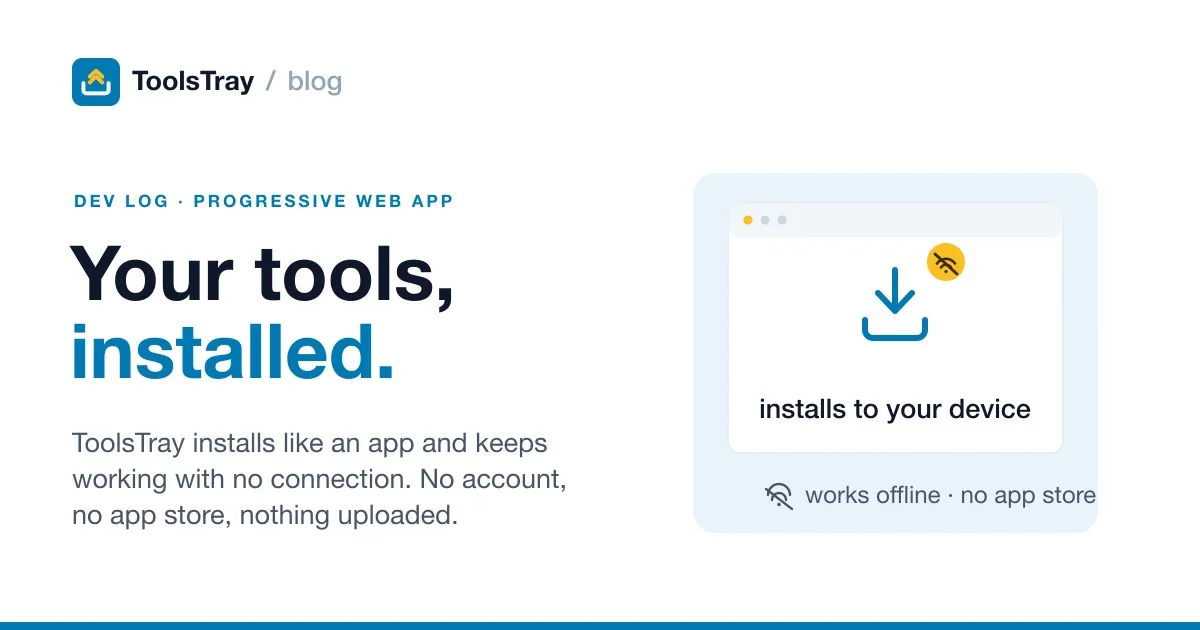
Every tool on ToolsTray already runs on your device. The whole site is static files on a CDN with no backend at all. So there was an obvious question I kept avoiding: if the computation already happens in the browser, why does the page need the network at all?
It shouldn’t. I made the site installable and offline. You can add it to your home screen, open it with no connection, and the tools still work. Here’s how the service worker is put together, and the parts that bit me.
The one rule that shaped everything: don’t break the money
A service worker sits in front of every request the page makes. That’s the power and the trap. The instant it starts caching things it shouldn’t, you can break AdSense, your analytics, or the consent banner, silently and for everyone, until someone notices the revenue dip.
So before writing any caching, I wrote the routing as a pure function with one job: decide what the worker is even allowed to touch. Everything else (third-party scripts, the consent CMP, ads.txt, anything cross-origin) it must not intercept at all.
const BYPASS = { kind: "bypass" };

export function planFor(facts: RequestFacts): FetchPlan {
  if (facts.method !== "GET") return BYPASS;

  const url = new URL(facts.url);
  if (url.origin !== facts.swOrigin) return BYPASS;

  const path = url.pathname;
  if (BYPASS_EXACT.includes(path)) return BYPASS;
  if (BYPASS_PREFIXES.some((prefix) => path.startsWith(prefix))) return BYPASS;

  const asset = CACHE_FIRST_PREFIXES.find((entry) => path.startsWith(entry.prefix));
  if (asset) return { kind: "cache-first", cache: asset.cache };

  return facts.isNavigation ? { kind: "page" } : BYPASS;
}
Because it’s a pure function that returns a plan rather than doing the fetch, I could unit-test the invariant directly: GA4, the CMP, ads.txt, cross-origin requests, and the SW’s own file all resolve to bypass, no matter what. That test is the thing that lets me sleep. The worker physically cannot get between the page and the ad stack.
Three request shapes, three strategies
Once “what may I touch” is settled, the caching is boring on purpose:
- Pages are network-first. Fetch fresh, fall back to the cache only when the network rejects. So you always get the live page online, and a cached copy when you’re on a train.
- Hashed build assets (
/_astro/…) and model weights (/models/…) are cache-first. They’re content-hashed or big and immutable, so once fetched they never need the network again. This is what makes a 30 MB on-device model load straight from cache the second time, offline. - Everything else is bypass.
When a navigation misses both network and cache (a page you’ve genuinely never opened), the worker serves a self-contained /offline page that lists the tools you have used and cached. One tap gets you back to something that works instead of the dinosaur.
Making it installable
The install half is smaller than the offline half. A build step derives the web app manifest from the same tool registry the rest of the site uses (no hand-maintained list), with a maskable icon and a couple of shortcuts to the most popular tools. The affordance itself taught me a lesson: my first version was a link that appeared only after the browser fired beforeinstallprompt, which felt polite. Then I noticed Safari and Firefox never fire that event, so most visitors saw no way to install at all. Now the header carries a plain, always-visible link to an install page that gives each platform its own path, and the button that triggers the native prompt lives on that page, shown only once the event has actually fired. And since the site also ships as an Android app, the manifest declares related_applications pointing at the Play listing, so Chrome on Android routes the install through the store instead of quietly creating a shortcut.
One nicety that took a second pass: once the site is running as an installed app, the post-download “bookmark this” toast is pointless, because you can’t bookmark an installed app. So the toast now checks (display-mode: standalone) and stays quiet in the installed context.
The scars (budget for these)
iOS does its own thing. Add-to-Home-Screen works on iOS Safari, but there’s no beforeinstallprompt event and no API to trigger an install. All you can do is write the two steps down (tap Share, then Add to Home Screen) and put them where people will actually find them. Cross-browser install is still not one code path.
A CDN “optimization” can eat your service worker. Cloudflare’s Speed Brain prefetches and interferes with SW registration in ways that made offline behave inconsistently until I turned it off. If your SW works locally but not in production, look at what your CDN is doing to the request before blaming your code.
You need a kill switch, and it has to be uncacheable. A bad service worker is uniquely nasty because it can cache itself. So /sw.js is served with no-cache headers and honors a SW_KILL=1 build flag that ships an empty worker which unregisters and clears every cache. Deploying that flag is the one-command rollback.
Headers are load-bearing and easy to get wrong elsewhere. Turning the site into an app made me much more careful about response headers in general. A single over-broad Permissions-Policy once disabled getUserMedia site-wide with no error at all, just a camera that quietly opened the photo gallery instead. The service worker didn’t cause it, but the “everything is headers now” mindset is what caught it.
Was it worth it?
For a site whose entire pitch is the work happens on your device, installable and offline is the architecture finally telling the truth. The tools never needed the network, and now the shell doesn’t either. The cost was a few hundred lines of worker, one pure function I trust, and a kill switch I hope never to use.
If you want to see the offline part for real: open a tool, use it once, then kill your wifi and reopen the tab. It still computes. Try the image compressor, since you can watch a photo shrink with the network genuinely disconnected.
Image Compressor
Compress a JPEG, PNG or WebP and compare it side by side. Smart picks the quality, Quality takes a slider, Target searches for a size in KB. One file or a folder.
Read next
 Developers
WebAssembly turned my static site into a zero-backend app platform
I shipped a site full of real tools, image compression among them, as static files with no backend. WebAssembly does the work in the browser. Here's how.
 Developers
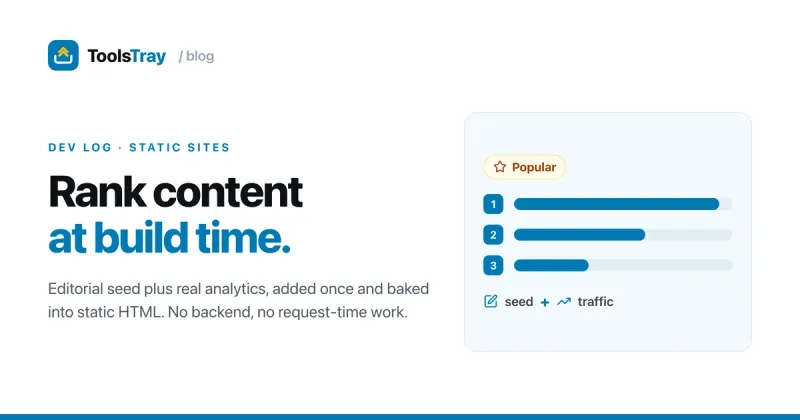
How I auto-prioritize page content on a static site (no backend)
A static site has no server at request time. Here's how I rank my homepage's tools at build time from real analytics data and bake the order into the HTML.
 Developers
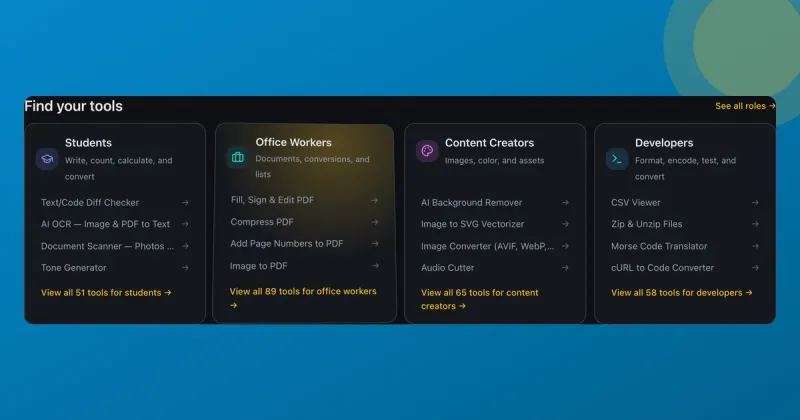
Spotlight and tilt card hover effects (with the code)
How ToolsTray's tool cards get a spotlight glow and a subtle 3D tilt that follow your cursor, built with pointer events, CSS variables, and requestAnimationFrame.