There are two honest reasons to convert video to GIF. It plays inline in places a video file won’t, and it loops without anyone pressing anything. Three seconds of a UI glitch settles a bug report that a paragraph of description never will. The converter sites know all of this, which is why they will happily take your upload, park it in a queue, and hand the clip back with a watermark sitting across the middle of it.
So I built ToolsTray’s Video to GIF. Drop a clip, set two dropdowns, press a button. The encoding runs inside the tab you already have open, so the file never leaves your machine.
What using it looks like
- Open Video to GIF and drop your clip on the Video box.
- Frame rate is already on 15 fps. The list is 10, 15, 20 and 24, and there is nothing in between them.
- Width is already on 480 px, which suits a chat window. Your other options are 320, 640 and Original width.
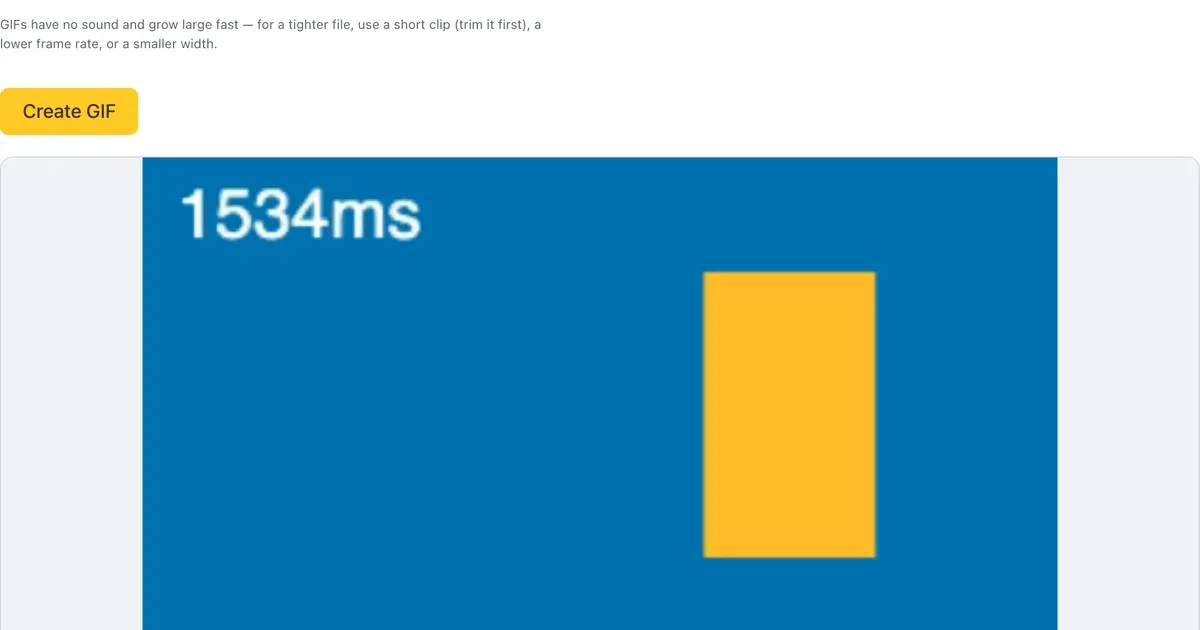
- Press Create GIF. A progress bar starts filling, a Cancel button appears next to it, and a line underneath reminds you to keep the tab open until it finishes.
- The GIF turns up in the page and starts looping, at the size it will actually be. Download GIF saves it as animation.gif.
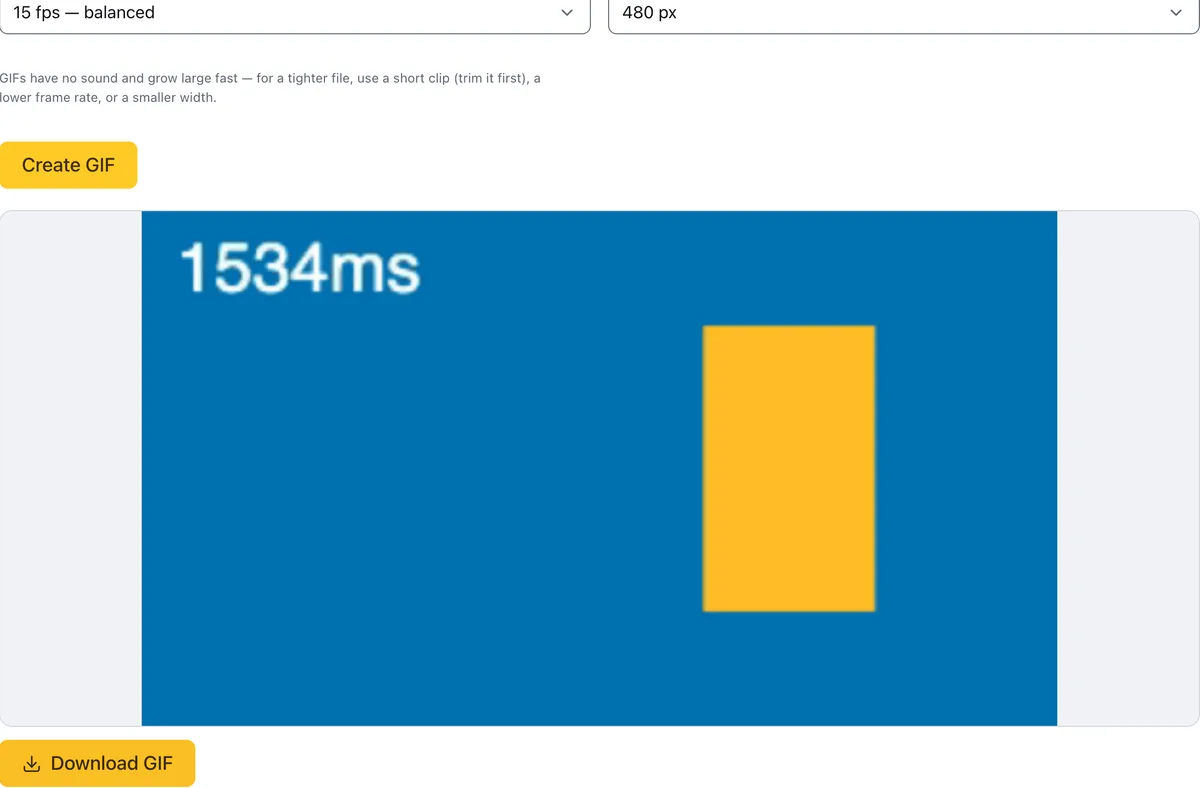
Pick a frame rate and width, create, preview, download.
The clip in that screenshot is a two second, 320 by 180 recording. At the defaults it was finished before I had read the hint under the dropdowns.
The one thing that can stop you
The encoding leans on WebCodecs, the browser API that hands a page the real video decoder rather than a JavaScript impression of one. Chrome and Edge have had it for ages. Recent Safari and Firefox on desktop have it too. If your browser doesn’t, a warning sits at the top of the tool and Create GIF stays greyed out, which I would rather you hit before choosing a file than after. Which containers open is a separate question, answered by the media library underneath: MP4, MOV, MKV and WebM all read fine, and anything it can’t make sense of comes back as an error saying the video may be in an unsupported format, not a broken download.
Why the file balloons
GIF keeps every frame whole, at up to 256 colours, with nowhere to put audio. Nothing in the format can say “same as the last one, the cursor moved.” Size therefore tracks two numbers and no others: how many frames there are, and how many pixels sit in each of them. That is why there are two dropdowns on the page instead of twelve.
The honest limits
- Length outranks both settings. Five seconds at 24 fps is a smaller file than thirty seconds at 10. Cut first, tune second.
- Match the frame rate to the motion. A screen recording where the cursor is the only moving thing survives 10 fps without complaint. Genuinely fast action needs 20 or 24, or it reads as a flipbook.
- Camera footage suffers the most. Flat UI and text are fine inside 256 colours. Skin tones and gradients get rounded to the nearest colour that made the cut and go a little blotchy, and nothing on the page fixes that.
- Sometimes GIF is the wrong answer. A muted MP4 loop looks better and weighs a fraction as much, and most chat apps autoplay it now. Old forums and a few issue trackers still want the real thing.
And if a single still was all you were after, the image converter reads GIF and gives you the first frame back as a PNG or a JPEG. Otherwise you are a drop and one button away from something you can paste straight into the thread.