
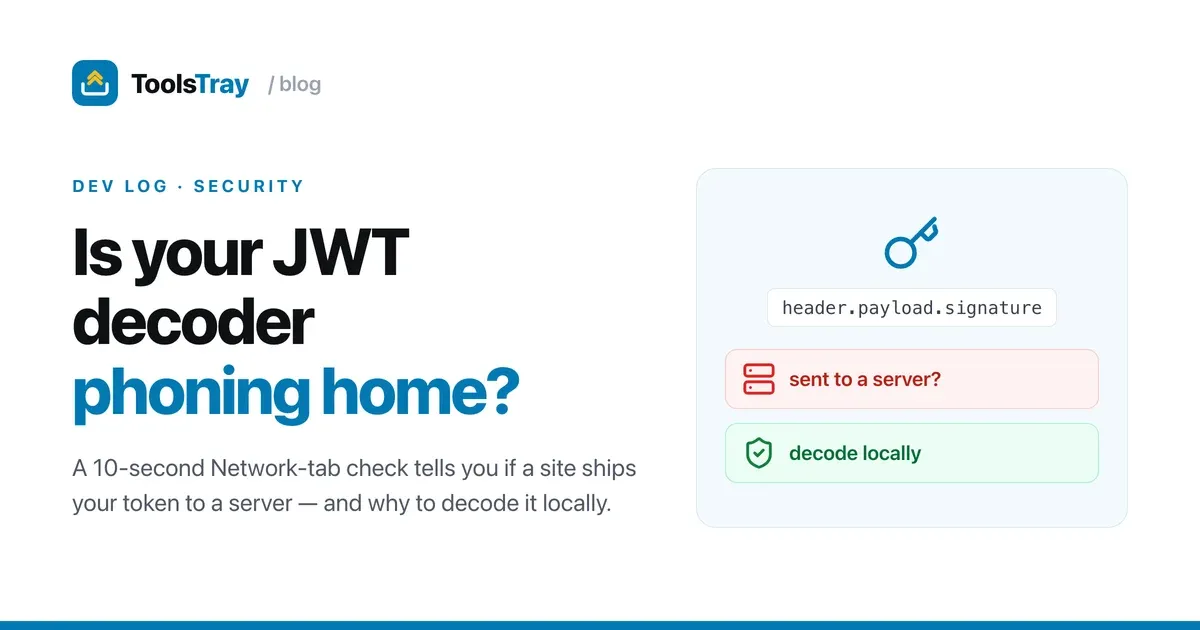
A JWT usually carries who you are and what you’re allowed to do. When you debug one, you tend to paste the whole token into the first “JWT decoder” search result. A lot of those sites send that token straight to their own server to decode it. For a throwaway test token that’s harmless. For a real access token from staging or production, you’ve just handed a stranger a working credential.
You don’t have to guess which kind of site you’re on. Here’s how I check.
Why a JWT decoder can be risky
A JWT is signed rather than encrypted. The header and payload are just Base64URL-encoded JSON, so anything that can read the token can read every claim inside it: user id, email, roles, expiry, sometimes more. If the token hasn’t expired, it’s still usable. A decoder that ships your token off to a backend has, for a moment, a valid credential in its logs.
How to check what a decoder does with your token
Open your browser’s dev tools, go to the Network tab, clear it, then paste a token into the decoder. Watch what happens:
- No request fires → the page decoded it locally. Safe.
- A request fires with your token in the URL or POST body → it went to their server.
That’s the whole test. It takes about ten seconds and it’s the only way to know for sure, regardless of what the marketing copy claims.
You can decode the payload yourself
A JWT is three Base64URL chunks joined by dots: header.payload.signature. The first two are just JSON. You can decode either part with any Base64 tool, no special “JWT” service required:
const [header, payload] = token.split(".");
console.log(JSON.parse(atob(payload.replace(/-/g, "+").replace(/_/g, "/"))));
Once you’ve seen that it’s only Base64, the “send it to our server to decode” sites stop making sense. There’s nothing on the server that your browser can’t do.
Decode it locally instead
This is exactly why ToolsTray’s JWT decoder does its decoding locally. Paste a token and read the claims. Run the Network check on it if you like; no request fires. It’s the same convenience as the popular sites without the token ever crossing the network.
JWT Decoder, Verifier & Signer
A JWT decoder that splits a token into its three segments, turns iat and exp into readable UTC times, and checks the signature against a secret or public key you paste.
To be fair: for tokens you generated yourself for a quick test, a server-side decoder isn’t the end of the world. My rule is simple. If the token would work against a real system, decode it locally.
Before you paste: never share the signing secret
Reading the payload is safe. Verifying the signature is where people leak the thing that actually matters.
Ten seconds in the Network tab settles it. If a decoder phones home, close the tab and run the two-line snippet above instead.
Read next
 Developers
How I made a static site installable and offline
A static tool site with no backend, turned into an installable app that works offline without breaking ads, analytics, or consent. The service worker, and the scars.
 Developers
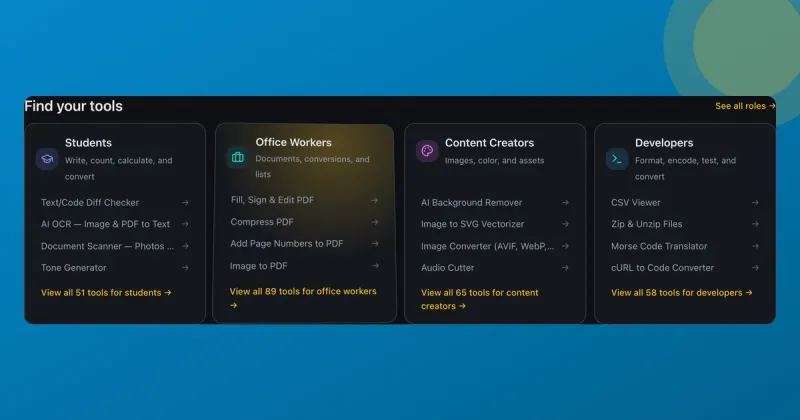
Spotlight and tilt card hover effects (with the code)
How ToolsTray's tool cards get a spotlight glow and a subtle 3D tilt that follow your cursor, built with pointer events, CSS variables, and requestAnimationFrame.
 Developers
WebAssembly turned my static site into a zero-backend app platform
I shipped a site full of real tools, image compression among them, as static files with no backend. WebAssembly does the work in the browser. Here's how.