
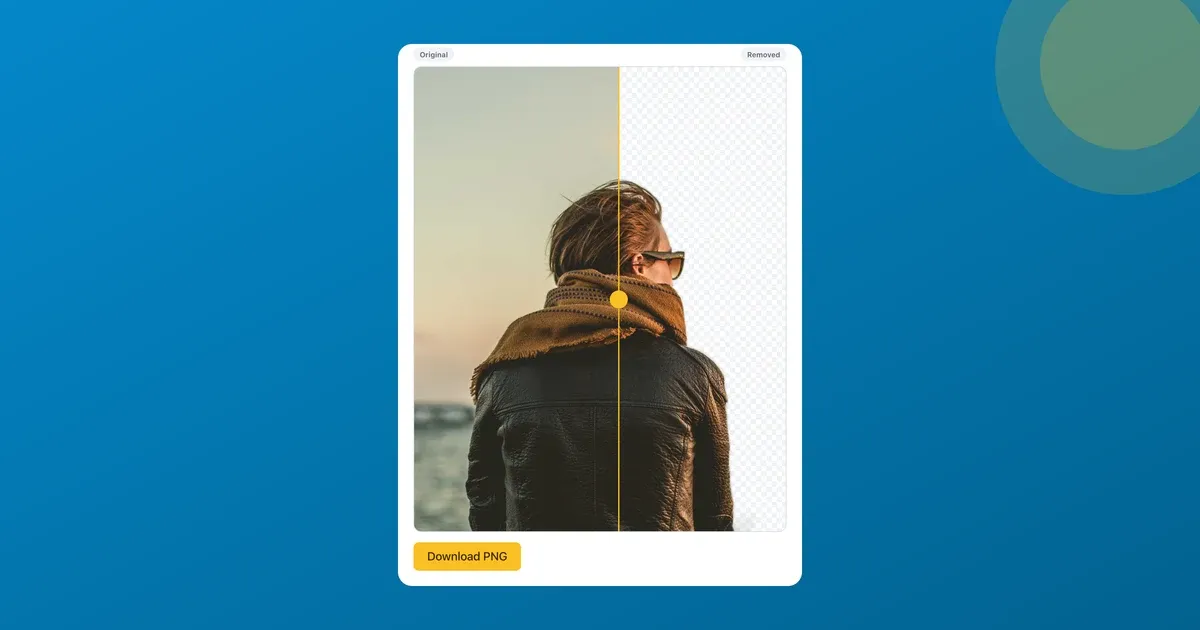
I needed one product photo on a transparent background. A mug, lifted off the kitchen counter, ready to drop onto a clean store listing. Five minutes of work. Then the first site I tried wanted me to start a subscription before it would let me download the result at full resolution.
For one cutout. I closed the tab.
So I built the thing I actually wanted: drop a photo in, get a transparent PNG back, no account, no watermark, no card. That’s ToolsTray’s Background Remover, and I’m obviously biased toward it. But read this for one idea regardless of the tool you end up using: where the cutout is actually computed. That single detail is what lets a background remover be free and private in the same breath.
The whole thing runs on your device
Most “remove background” sites upload your image to their server, run the model there, and bill you for the compute. That’s why they need a subscription. Someone has to pay for the GPUs.
ToolsTray flips that. A small AI segmentation model runs inside your browser through an in-browser ONNX runtime; it’s a u2netp model, from the U2-Net family. Your photo is handed to a model that’s already sitting on your own machine, so it never gets posted anywhere. The only thing that crosses the network is the model file coming down to you, once. Your image only ever moves between your tab and your screen. With no GPU running up a bill on my end there’s nothing to put a price on, and that’s the whole reason a tool this heavy can be free.
What you get back: a transparent PNG
You drop in a photo, wait a moment while it processes, and download a PNG with the subject cut out and the background gone. Actually transparent, no white box faked in. That’s the format you want for almost everything downstream: layering the subject onto a design, a thumbnail, a sticker, a banner, a marketplace listing.
If you’d rather not deal with transparency, you can composite the cutout onto a solid color instead. White for a clean product shot, any color for a headshot backdrop. Then you export a finished flat image. Same flow, one extra choice.
First run downloads the model once, then it’s cached
Here’s the one wait worth knowing about. The first time you use the tool, your browser downloads the model and runtime before it can do anything. That’s a few megabytes. On a normal connection it costs a few seconds, once.
After that, your browser caches the model. Every later cutout skips the download entirely and starts right away. So the very first image feels a touch slower than you’d expect. The tenth feels immediate.
The tradeoff: fine hair and wispy edges
I won’t oversell this. An on-device model is small by necessity, since it has to fit in a browser download and run on your laptop in seconds, and that trades a little edge precision for the privacy and the price.
In practice a clear subject with decent contrast cuts cleanly: a product on a plain-ish surface, a person against a wall, a pet. But fly-away strands of hair, fur, or anything thin and wispy against a busy background is the hard case for any segmentation model, and a compact one will sometimes leave those edges a bit rough where a paid cloud service might nail them. If a pixel-perfect hairline matters for a hero image, a heavier paid tool can still win. For the everyday “I need this off its background, now,” the gap rarely matters. A higher-resolution, higher-contrast source photo closes most of what’s left.
When it works best (and how to help it)
A few seconds of setup gets you a noticeably cleaner cut:
- Contrast is everything. A subject that stands out from what’s behind it cuts far better than one that blends in. A dark jacket against a dark couch is the worst case.
- Go higher-res. More pixels on the subject gives the model more to work with, especially around edges. A cropped-in phone photo beats a tiny thumbnail.
- One clear subject. The model finds the subject. The sweet spot is a single mug, person, or animal in frame. A cluttered scene with five competing objects is the opposite.
Why I’d reach for this first
A studio-grade matte is rarely the actual job. The actual job is getting the background gone and moving on to the listing, the slide, or the post. Free, fast after the first run, nothing uploaded, no watermark on the way out. For the once-a-week cutout that doesn’t justify a subscription, that’s the whole job done on your own machine.
Drop a photo in and see how clean the edge comes out on your own image. It costs nothing to check.
AI Background Remover
Remove the background from a photo and keep a transparent PNG, or set the cut-out on a solid color as a JPEG. It finds the subject itself, or you tap or circle the one you want.
Read next
 Content Creators
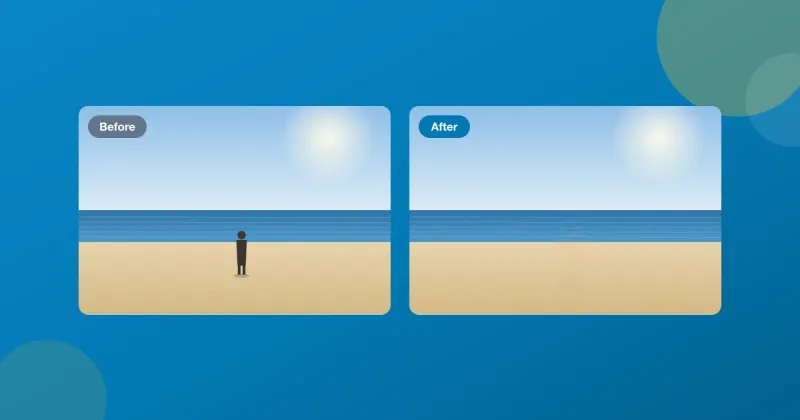
Remove an object from a photo for free, without uploading it
Remove an object or a person from a photo, free, in your browser. Brush over it and an on-device model fills the gap. No account, no watermark, nothing uploaded.
 Content Creators
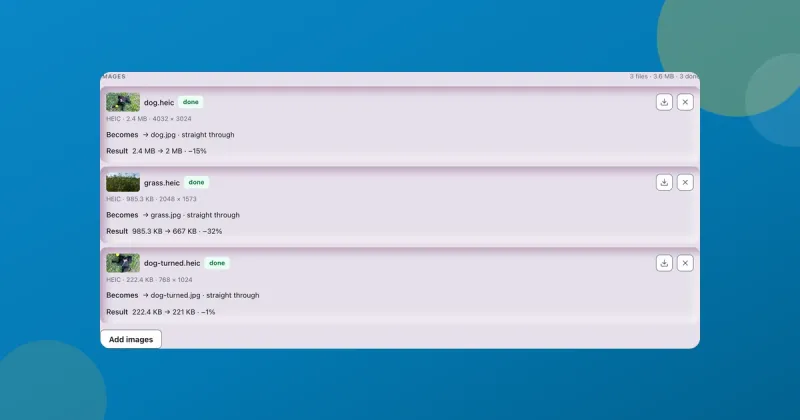
Convert HEIC to JPG free on Windows, no app needed
Convert HEIC to JPG free in Chrome, Edge or Safari on Windows, Mac or your phone: drop the iPhone photos in, press JPEG, download. Nothing uploaded.
 Content Creators
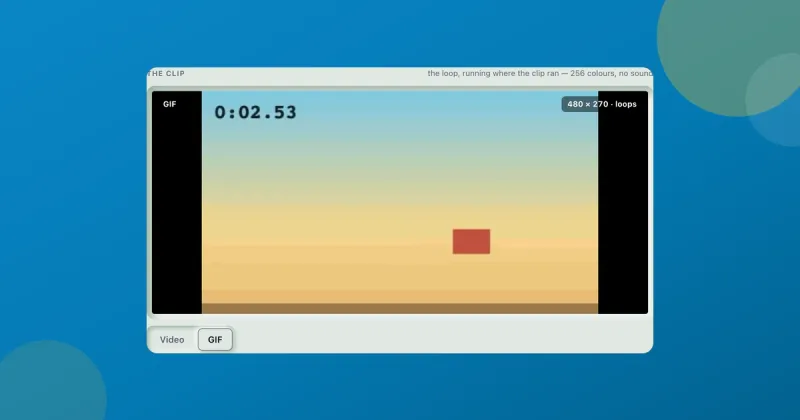
Convert video to GIF free, and keep the file small
Convert video to GIF free with two dropdowns, frame rate and width. What each one costs you, why long clips come out choppy, and where the 600-frame ceiling sits.