The developer posts are build logs more than tutorials. ToolsTray runs entirely in the browser, with WebAssembly doing the heavy lifting, and a lot of what I learned getting it there is not written down anywhere else. How to keep a static site installable and working offline. What it costs to run a real model in a worker. Why a lazy boundary can shrink one chunk and grow the first load.
They include the code, the measurements, and the things that did not work. I would rather publish the dead end I spent a day on than a clean narrative that skips it, because the dead end is usually the useful part.
There is also a practical strand: how to tell whether an online JWT decoder is quietly sending your token to a server, and what to check before pasting anything sensitive into a tool you did not write.
 Ramsudharsan ManoharanDevelopers
How I made a static site installable and offline
A static tool site with no backend, turned into an installable app that works offline without breaking ads, analytics, or consent. The service worker, and the scars.

Ramsudharsan ManoharanDevelopers
Spotlight and tilt card hover effects (with the code)
How ToolsTray's tool cards get a spotlight glow and a subtle 3D tilt that follow your cursor, built with pointer events, CSS variables, and requestAnimationFrame.
Ramsudharsan ManoharanDevelopers
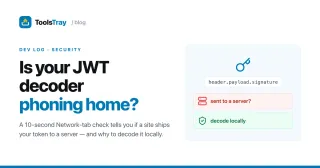
How to tell if an online JWT decoder is sending your token to a server
Plenty of 'JWT decoder' sites quietly POST your token to their backend. Here's the 10-second check I use, and why it's worth decoding locally instead.
Ramsudharsan ManoharanDevelopers
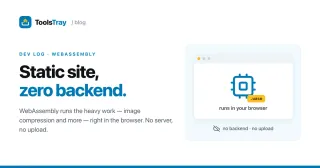
WebAssembly turned my static site into a zero-backend app platform
I shipped a site full of real tools, image compression among them, as static files with no backend. WebAssembly does the work in the browser. Here's how.
Ramsudharsan ManoharanDevelopers
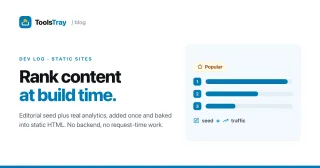
How I auto-prioritize page content on a static site (no backend)
A static site has no server at request time. Here's how I rank my homepage's tools at build time from real analytics data and bake the order into the HTML.