Most office posts here start life as a problem someone described to me in a single frustrated sentence. The PDF is 4 MB over the limit. The contract needs a signature and the only editor available wants a subscription. A scanned report needs page numbers, but not on the cover.
So each one is written as a walkthrough rather than a listicle. I run the job on a real file, note the settings that mattered, and say plainly where the approach stops working. When a job genuinely needs desktop software, the post says so instead of pretending otherwise.
These are aimed at the person doing the task on a work laptop, often on a locked-down machine where installing anything is not an option. That constraint shapes most of what gets recommended here.
 Ramsudharsan ManoharanStudents
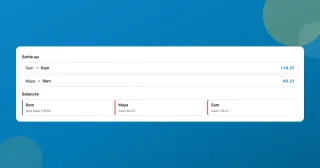
A free Splitwise alternative with no app and no account
A free Splitwise alternative that runs in your browser: log who paid what, split a restaurant bill by item, and settle the whole trip in the fewest payments.
Ramsudharsan ManoharanOffice Workers
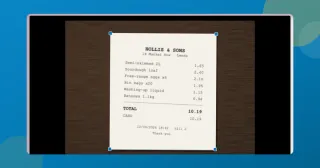
Scan documents to PDF free without installing an app
Scan documents to PDF free with your phone or laptop: auto edges, straightening, a clean-up eraser, searchable text. All in the browser, nothing installed or uploaded.
Ramsudharsan ManoharanContent Creators
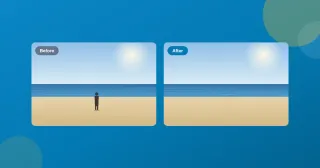
Remove an object from a photo for free, without uploading it
Remove an object or a person from a photo, free, in your browser. Brush over it and an on-device model fills the gap. No account, no watermark, nothing uploaded.
Ramsudharsan ManoharanOffice Workers
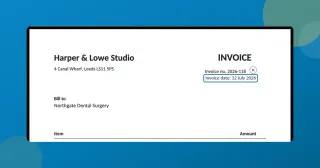
Edit text in a PDF without Acrobat, free in your browser
How to edit text in a PDF without Acrobat: click the line, retype it, download. The original text is actually replaced, free, with nothing uploaded.
Ramsudharsan ManoharanStudents
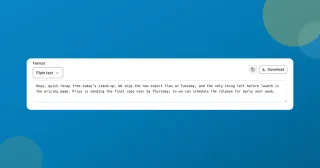
Transcribe audio to text free, on your device
Transcribe audio to text free in your browser: a lecture, a meeting, a voice memo. Timestamps, SRT and WebVTT export, and nothing leaves your device or asks for an account.
Ramsudharsan ManoharanStudents
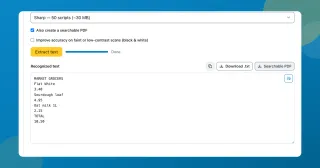
Extract text from a scanned PDF with a neural OCR engine
Extract text from a scanned PDF or a photo of a page, free. Choose Classic or the neural Sharp engine, then copy the words or take back a searchable PDF.
Ramsudharsan ManoharanOffice Workers
Merge PDF files free without sending them to a server
Merge PDF files free in about a second. Each PDF becomes a row you drag into order, bookmarks and filled forms come across, and the result opens to check before you save it.
Ramsudharsan ManoharanOffice Workers
Add page numbers to a PDF free, and skip the cover page
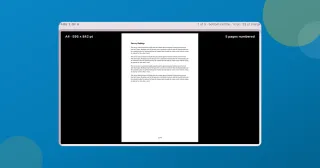
Add page numbers to a PDF for free, right in your browser: pick the format and position, start the count where you want, and leave the cover page unnumbered.
Ramsudharsan ManoharanOffice Workers
Compress a PDF under 1 MB for email, free with no upload
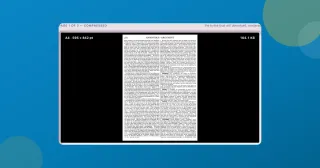
How to shrink a PDF under 1 MB so it actually sends, free with nothing uploaded, and keep the text sharp instead of blurring every page into an image.
Ramsudharsan ManoharanContent Creators
Reduce image file size when the upload box says 2 MB
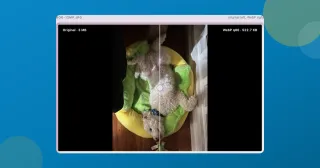
What I actually do to reduce image file size on a phone photo: Smart compression, a KB target when a form demands one, and the max width that beats both.
Ramsudharsan ManoharanOffice Workers
How to email a large, sensitive PDF without uploading it
Payslips, bank statements, signed contracts: too big to email, too private to hand a random upload site. Here's how I shrink them right in the browser.