I write these posts when a student question keeps landing in my inbox and the answer is longer than a sentence. How do you get a lecture recording turned into notes you can actually search? How do you hand in a PDF that fits the portal's upload cap without the diagrams turning to mush? Those are the ones worth a full walkthrough.
Every post here follows the same rule: I do the job myself first, screenshot what I actually see, and write down the numbers I actually got. If a tool falls over on a 90-minute recording, that goes in the post too. You should be able to read one of these, follow it, and get the same result on your own machine.
If you want the tools without the reading, the students shelf is one click away. The posts are for when you want to know why a setting matters, not just which button to press.
 Ramsudharsan ManoharanStudents
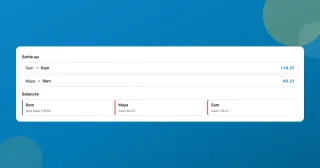
A free Splitwise alternative with no app and no account
A free Splitwise alternative that runs in your browser: log who paid what, split a restaurant bill by item, and settle the whole trip in the fewest payments.
Ramsudharsan ManoharanOffice Workers
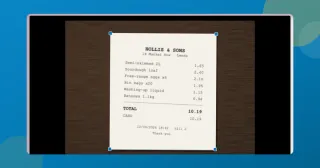
Scan documents to PDF free without installing an app
Scan documents to PDF free with your phone or laptop: auto edges, straightening, a clean-up eraser, searchable text. All in the browser, nothing installed or uploaded.
Ramsudharsan ManoharanStudents
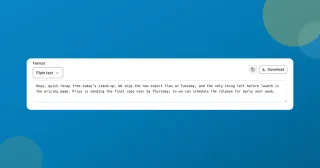
Transcribe audio to text free, on your device
Transcribe audio to text free in your browser: a lecture, a meeting, a voice memo. Timestamps, SRT and WebVTT export, and nothing leaves your device or asks for an account.
Ramsudharsan ManoharanStudents
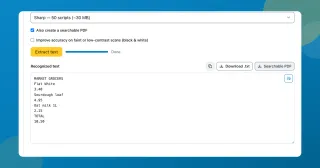
Extract text from a scanned PDF with a neural OCR engine
Extract text from a scanned PDF or a photo of a page, free. Choose Classic or the neural Sharp engine, then copy the words or take back a searchable PDF.
Ramsudharsan ManoharanOffice Workers
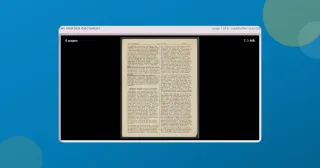
Merge PDF files free without sending them to a server
Merge PDF files free in about a second. Each PDF becomes a row you drag into order, bookmarks and filled forms come across, and the result opens to check before you save it.
Ramsudharsan ManoharanOffice Workers
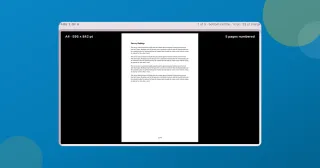
Add page numbers to a PDF free, and skip the cover page
Add page numbers to a PDF for free, right in your browser: pick the format and position, start the count where you want, and leave the cover page unnumbered.