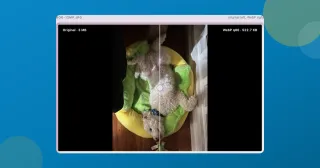
Creator posts here cover the unglamorous half of making things: getting an image under a size limit without it looking chewed, pulling a subject off its background cleanly enough to use, cutting a clip to the length a platform will accept, and turning a video into a GIF that still reads at small sizes.
I care about the tradeoffs in this work, so the posts spend time on them. Quality settings, where the artefacts show up, which model handles hair badly and what to do about it. There is usually a before and after, at the real resolution, so you can judge the result rather than take my word for it.
If you are after the tools themselves, the creators shelf collects them. These posts are for the times when the default settings are not giving you what you want and you need to understand why.
 Ramsudharsan ManoharanContent Creators
Remove an object from a photo for free, without uploading it
Remove an object or a person from a photo, free, in your browser. Brush over it and an on-device model fills the gap. No account, no watermark, nothing uploaded.

Ramsudharsan ManoharanContent Creators
Convert HEIC to JPG free on Windows, no app needed
Convert HEIC to JPG free in Chrome, Edge or Safari on Windows, Mac or your phone: drop the iPhone photos in, press JPEG, download. Nothing uploaded.

Ramsudharsan ManoharanContent Creators
Convert video to GIF free, and keep the file small
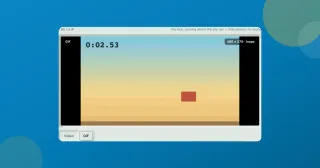
Convert video to GIF free with two dropdowns, frame rate and width. What each one costs you, why long clips come out choppy, and where the 600-frame ceiling sits.
Ramsudharsan ManoharanContent Creators
Remove location data from a photo, or just blank the coordinates
A photo can give away your front door to six decimal places. See what yours carries, remove location data from a photo, or clear only the GPS and keep the camera fields.

Ramsudharsan ManoharanContent Creators
Remove an image background free, right in your browser
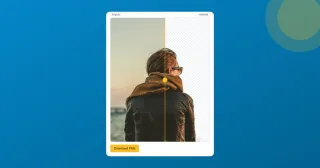
Cut the background out of any photo and download a transparent PNG, free with no sign-up. An AI model runs on-device, so your image stays put.
Ramsudharsan ManoharanContent Creators
Reduce image file size when the upload box says 2 MB
What I actually do to reduce image file size on a phone photo: Smart compression, a KB target when a form demands one, and the max width that beats both.